Upload reports
Bring in medical reports from photos, PDFs, pasted text, or forwarded emails.
Your reports, finally clear. Upload lab results once, see biomarkers move over time, and understand what changed without digging through PDFs.
Organize
Upload PDFs, photos, pasted text, or email imports. Klario extracts the dates, values, units, and source details so the record is ready to review.
Understand
Klario keeps the clinical details readable: flagged values, family member context, dates, units, and plain-language explanations stay together.
Bring in medical reports from photos, PDFs, pasted text, or forwarded emails.
Turn repeated lab results into trend lines that show when a value started moving.
Check uncertain extractions and out-of-range results before they enter the record.
Plain-language explanations add context around what a marker tracks and why it may matter.
Manage parents, children, partners, and pets in one account without mixing records.
Keep reports, visits, medications, vaccines, and lab panels in chronological order.
Review
Dashboard, documents, timelines, family profiles, and biomarker charts stay connected around the same underlying health record.
Workspace
Review items, recent documents, and family records are organized around the next health task.
Switch view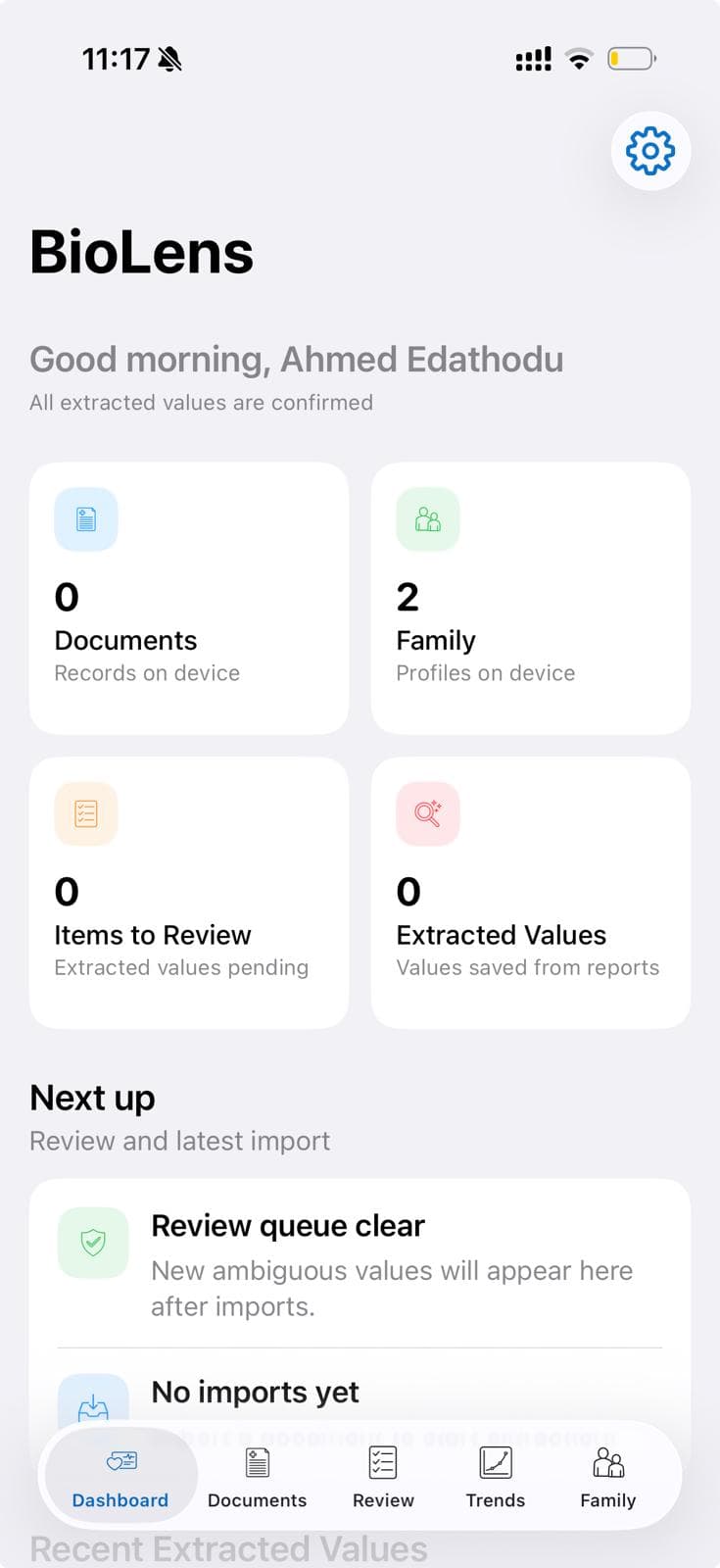
Start
Add one lab report and Klario begins building the timeline, trend history, and review queue around it.